
Introduction
Why Choosing Tools Feels Harder Than It Should Be
For many beginners, choosing digital tools feels confusing long before any real work begins. There are hundreds of options, constant recommendations, and endless comparisons. Every tool claims to be faster, smarter, or essential. Instead of helping, this overload often creates hesitation and doubt.
One common misunderstanding is the belief that the right tool will automatically produce results. This idea is reinforced by social media posts, ads, and success stories that focus on tools rather than process. Beginners start to think that progress depends on discovering a perfect app, platform, or system. When results do not appear quickly, frustration follows.
The reality is more grounded. Tools do not replace effort, thinking, or learning. They support work that is already happening. A communication tool helps you communicate. An organization tool helps you stay organized. But none of them decide goals, build skills, or create consistency on their own.
Another challenge is pressure. Marketing messages often suggest that everyone else has already figured things out. This creates urgency to choose quickly, even without clarity. In practice, beginners benefit more from calm decisions than fast ones.
Understanding this bigger picture helps reduce overwhelm. For readers who want a broader explanation of how technology supports online work and learning, For readers who want a broader explanation of how technology supports online work and learning, that foundation is explored in our complete beginner guide to technology and online business.
What Beginners Get Wrong About Digital Tools

Many beginners struggle with digital tools not because they choose the wrong ones, but because they misunderstand what tools are meant to do. Tools are often treated as solutions, when in reality they are only support systems. This misunderstanding leads to wasted time, unnecessary switching, and frustration that has little to do with the tools themselves.
Tools Do Not Create Skills
A common mistake is expecting tools to create ability. A writing tool does not make someone a clear writer. A design tool does not teach visual judgment. Tools simply make it easier to apply skills that already exist, even at a basic level.
This is why a skill-first mindset matters. Beginners who focus on learning simple skills—clear communication, basic organization, consistent work habits—benefit from tools much faster. The tool amplifies what is already there. When skills are missing, the tool only exposes the gap more clearly.
More Tools ≠ Better Results
Another misconception is that using more tools leads to better outcomes. In practice, the opposite is often true. Too many choices slow progress. Each new tool adds decisions, settings, and habits to learn.
This creates what can be called mental overload. Your attention gets split between learning tools instead of doing work. Progress feels busy but unproductive. Beginners often confuse activity with advancement, when focus would bring better results.The Myth of “Perfect Tools”
Many beginners search for a tool they can use forever. That tool does not exist. Needs change. Skills improve. Work evolves. A tool that fits today may feel limiting later, and that is normal.
The biggest mistake is not choosing the “wrong” tool. It is choosing tools too early, or choosing them for the wrong reasons. Timing and purpose matter more than the tool itself.
When tools are chosen based on current needs, not promises or trends, they become helpful instead of overwhelming.
Start With Needs, Not Tools
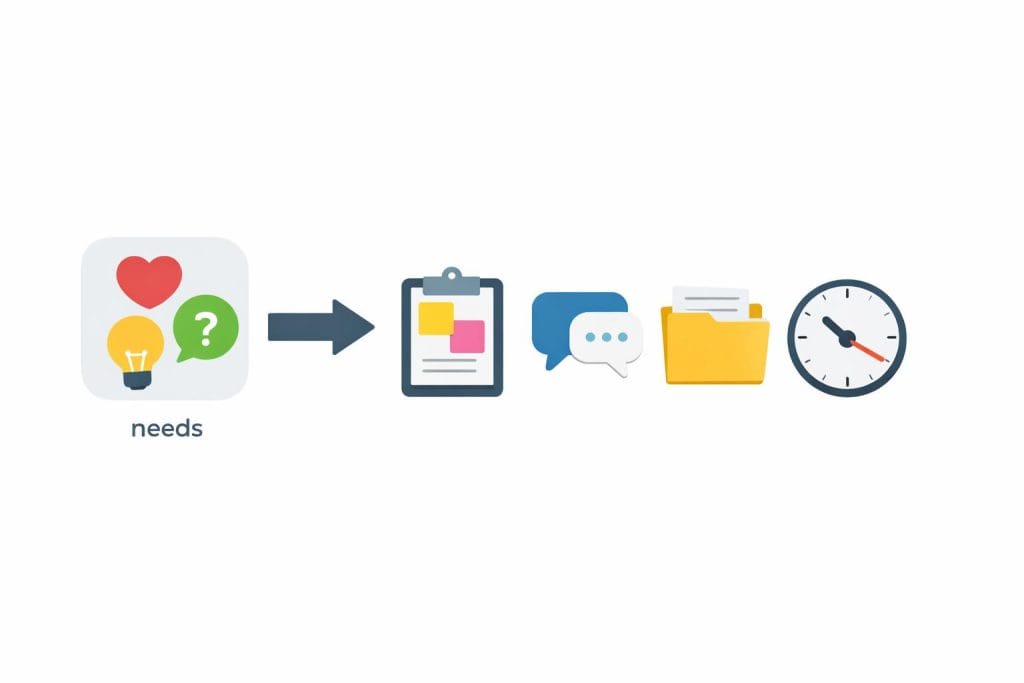
Choosing digital tools becomes much easier when you begin with your actual needs instead of the tools themselves. Many beginners reverse this process. They see popular software, assume it is required, and only later try to figure out how it fits into their work. This usually leads to confusion, wasted time, and unnecessary complexity.
A more reliable approach is to look closely at what you are doing right now. Not what you hope to build someday, and not what others are showcasing online. Tools should support your current workflow, not an imagined future version of it. When needs are clear, tool decisions become calmer and more practical.
Identify the Actual Work You Are Doing
Start by breaking your work into simple categories. Most beginner workflows fall into a few basic areas. Communication covers messages, emails, or basic coordination. Organization includes keeping track of tasks and small responsibilities. Content and documents involve writing, note-taking, or preparing simple materials. Focus and time relate to staying consistent and avoiding distractions.
You do not need a separate tool for every task. The goal is to understand where your effort is actually going. Once that is clear, you can choose tools that remove friction instead of adding it.
Separate Core Needs From Nice-to-Have Features
A common beginner mistake is choosing tools based on features meant for later stages. Advanced options can look impressive, but they often create more decisions than value early on. What matters is what helps you work today.
Ask a simple question: does this tool solve a real problem I currently have? If the answer is no, it can wait. Planning too far ahead often leads to overcomplicated systems that never get used.
Strong progress comes from matching tools to present needs. Growth happens naturally after that.
The One-Tool-Per-Function Rule (Beginner Framework)

When beginners think about productivity, they often believe that better results come from better setups. In practice, the opposite is usually true. Early progress depends more on clarity than optimization. The one-tool-per-function rule is a simple framework that reduces confusion and helps beginners build stable working habits before complexity appears.
This approach is not a trend or a shortcut. It is a principle that consistently shows up in long-term, sustainable workflows. Limiting choices early creates focus. Focus creates repetition. Repetition builds skill.
Why Simplicity Beats Optimization Early On
Using fewer tools leads to clearer habits. When the same tool is used every day for the same purpose, the brain stops negotiating and starts acting. There is less friction and fewer decisions to make before work begins.
A simpler setup also shortens the learning curve. Beginners already have enough to learn: the work itself, basic routines, and self-discipline. Adding multiple tools too early increases mental load and slows real progress. Mastery grows faster when attention is not split.
Core Functions Every Beginner Needs
Most beginners only need tools that cover three core functions. First, one communication tool for messages, coordination, or basic collaboration. Second, one task or organization tool to track what needs to be done and what is already finished. Third, one content or document tool for writing, notes, or preparing simple materials.
This does not mean these tools must be perfect. They only need to be reliable and easy to use. Consistency matters more than features at this stage.
If you are unsure which beginner-friendly tools match these core functions, you can review our curated list of the best AI tools for beginners without technical experience for practical starting options.
When to Add a Second Tool
Adding another tool should be a response to real friction, not curiosity. If the current tool creates repeated limitations, slows work in the same way every day, and you are using it consistently, that is a valid signal.
Until those conditions are met, adding tools usually adds noise. Strong systems grow step by step, not all at once.
Free vs Paid Tools — How Beginners Should Decide
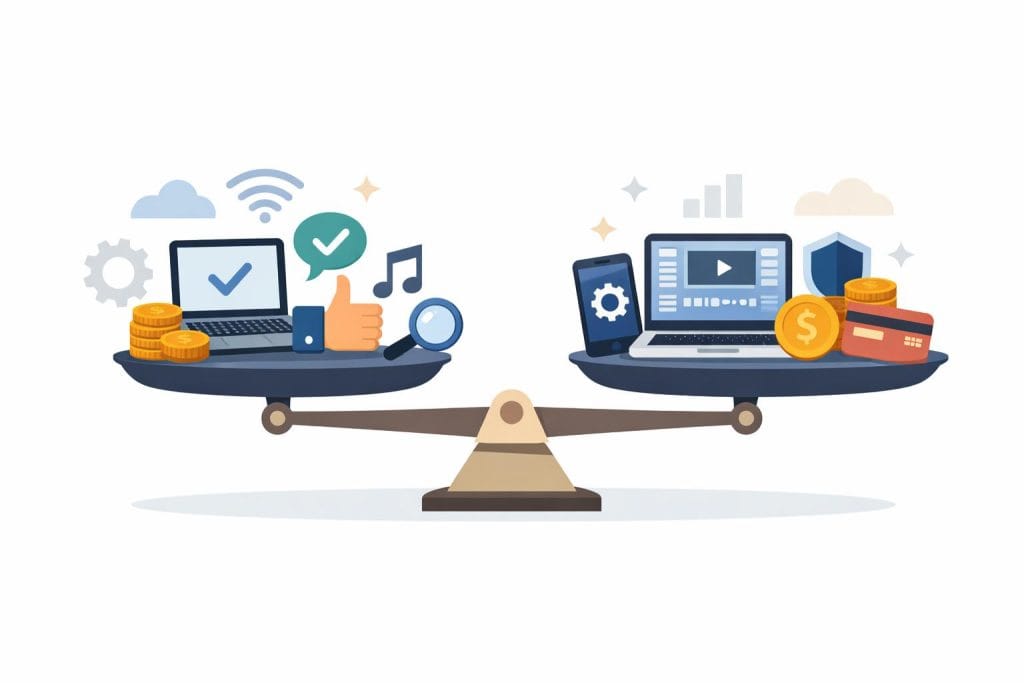
Beginners who want a deeper breakdown of the differences between pricing models can explore our detailed guide on free vs paid AI tools for beginners, which explains when upgrading actually makes sense.
One of the most common questions beginners ask is whether they should start with free tools or invest in paid ones. The honest answer is that the decision is less about price and more about timing. Choosing correctly at each stage prevents wasted effort and unnecessary frustration.
When Free Tools Are Enough
Free tools are often more than sufficient during the learning phase. At this stage, the main goal is not speed or scale. It is understanding how online work actually flows. Free tools allow beginners to experiment, make mistakes, and build habits without pressure.
They work especially well for low-complexity tasks. Simple communication, basic task tracking, and straightforward content creation rarely need advanced features. Free tools also support consistency. When there is no financial commitment, beginners can focus on showing up regularly instead of justifying a purchase.
For most people, free tools are ideal until daily routines feel natural and repeatable.
When Paid Tools Make Sense
Paid tools become useful when time starts to matter more than experimentation. If a tool clearly saves time, reduces friction, or removes repeated obstacles, upgrading can be reasonable. Reliability is another factor. When work depends on stability, better support and fewer interruptions can justify the cost.
Paid tools also help when simple workflows begin to scale. More tasks, more files, or more communication often require smoother systems. The key point is that payment should follow usage, not curiosity.
The Real Cost Is Not Money
Many beginners overlook the hidden costs of tools. Setup time, mental energy, and frequent switching are often more expensive than subscription fees. Constantly changing tools breaks focus and resets progress.
A tool is only valuable if it reduces effort over time. If it adds complexity, the cost is already too high.
Avoiding Tool Overwhelm and Decision Fatigue

Many beginners do not struggle because tools are complicated. They struggle because there are simply too many options. When every problem seems to have ten possible tools, progress slows down instead of speeding up. Understanding this pattern is the first step toward working more calmly and consistently.
Why Too Many Choices Reduce Action
When the brain is forced to make too many decisions, it becomes tired before real work even starts. This is known as decision fatigue, and it affects beginners more than they realize. Instead of choosing one tool and moving forward, people start comparing features, prices, and reviews endlessly.
This creates comparison paralysis. Time is spent researching instead of doing. Energy is burned on choices that do not actually move the work ahead. In the end, no tool feels “good enough,” so nothing gets used properly.
The problem is not a lack of good tools. It is too many decisions at the wrong moment.
Set a “Tool Freeze” Period
One practical solution is to set a tool freeze period. This means committing to one tool for a fixed amount of time, such as 30 or 60 days, without switching. During this period, the goal is not optimization. It is learning depth.
By staying with one tool, beginners understand its strengths, limits, and real value. Skills grow faster when attention is not constantly reset.
Focus on Outcomes, Not Features
Instead of asking what a tool can do, ask what it actually did for you. Did it help you complete tasks more smoothly? Did it reduce friction in your daily work?
If a tool supports progress, it is doing its job. Features only matter if they improve outcomes.
Red Flags Beginners Should Watch For
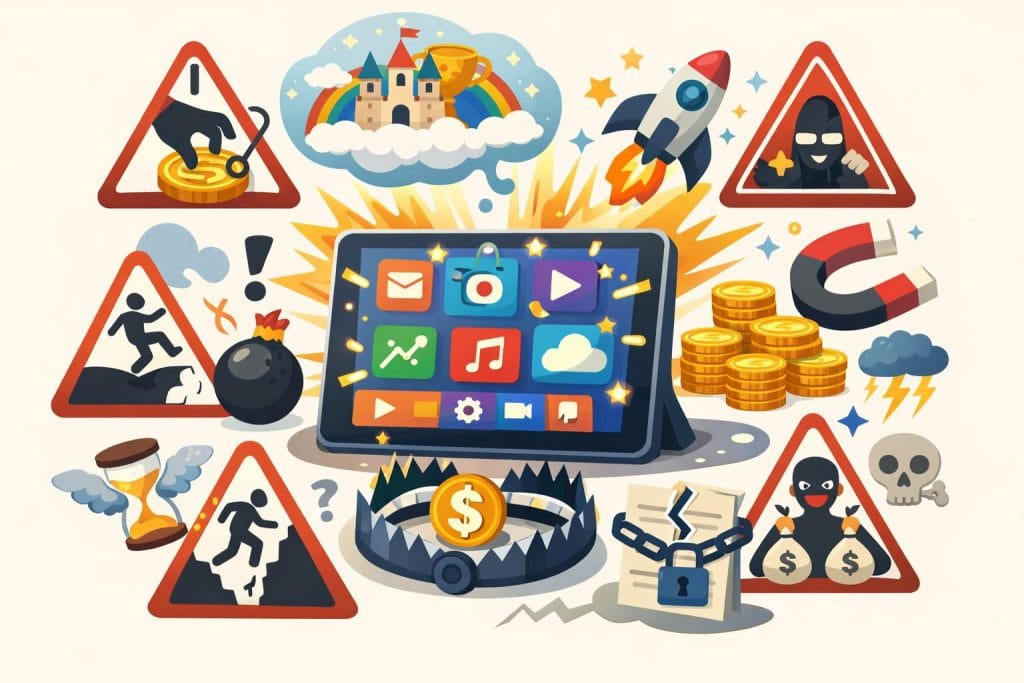
Choosing tools becomes much easier when you also know what to avoid. Many beginners lose time, money, and motivation not because they picked a bad tool, but because they ignored early warning signs. These red flags often look attractive on the surface, especially when someone is new and still building confidence.
“All-in-One” Miracle Tools
Tools that promise to do everything at once often sound perfect for beginners. In reality, they rarely stay simple. As features pile up, the interface becomes harder to understand, and basic tasks take longer than necessary.
Hidden complexity is the real issue. Beginners usually need clarity, not dozens of options. When one tool tries to replace five different systems, it often does none of them well. What starts as convenience slowly turns into confusion and frustration.
Tools Promising Income
Another major red flag is any tool that claims it can generate results on its own. Tools do not create income, traffic, or success by themselves. They only support skills, effort, and consistent work.
Ethical, AdSense-safe reality is simple: tools assist processes, not outcomes. When marketing focuses more on earnings than on learning or workflow improvement, beginners should pause and question the message.
Trend-Driven Tool Switching
Many beginners switch tools because everyone else seems to be using something new. Social proof can be misleading, especially online. Influencers often recommend tools because of sponsorships, not because they fit beginner needs.
Chasing trends creates unstable systems. Progress comes from using tools long enough to build habits, not from constantly starting over with the latest option.
How the Right Tools Fit Into Long-Term Online Work
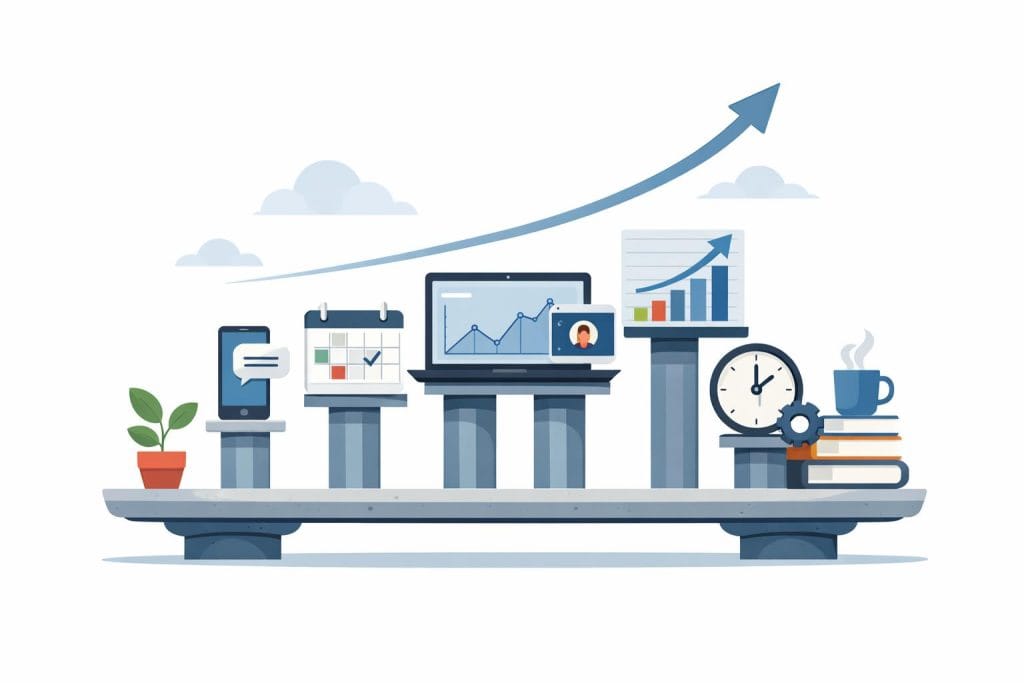
For beginners, tools often feel like short-term solutions. In reality, their real value appears over time. The right tools do not create success quickly. They support steady work, clear routines, and long-term progress. When tools are chosen with this mindset, they become part of a sustainable system rather than a constant distraction.
Tools Support Systems
Tools work best when they support simple systems. A system is just a repeatable way of working. For example, how you plan tasks, manage communication, or store documents. Tools make these systems easier to follow, but they do not replace them.
Without systems, tools feel random. With systems, tools feel helpful. This is why two people can use the same tool and get very different results. The difference is not the software. It is the structure behind how it is used.
To better understand how digital tools actually operate inside real workflows, see our explanation of how AI tools are used in online business today, where practical applications are explored in simple terms.
Systems Support Growth
Growth in online work comes from repetition, not intensity. Doing small tasks consistently matters more than doing everything perfectly once. Systems make repetition possible. Tools then reduce friction inside those systems.
It is important to be realistic here. Tools reduce effort around organization and access. They do not remove the need for focus, learning, or patience. Over time, this balance allows beginners to grow without burning out.
This idea connects directly to how technology supports sustainable online work, which is explained in more depth in Technology and Online Business – The Complete Beginner’s Guide.
Frequently Asked Questions (FAQ)
Do beginners really need many tools?
No. Most beginners do better with fewer tools, not more. A small set of well-chosen tools helps build habits and clarity. When too many tools are used early, attention gets divided and progress slows. One tool for communication, one for organization, and one for basic content work is often enough at the start. As experience grows, needs become clearer, and adding tools becomes a deliberate choice rather than a reaction.
Can someone work online using only a phone?
Yes, in many cases. Phones are powerful enough for basic communication, learning, content editing, and simple task management. Many beginners start this way. However, phones have limits. Long writing sessions, complex organization, or detailed work often feel easier on a computer. A phone can support early stages, but most people eventually benefit from a larger screen and keyboard.
Should beginners pay for tools early?
Usually, no. Free tools are often enough during the learning phase. They help beginners test workflows and build consistency without pressure. Paid tools start to make sense when time savings, reliability, or comfort clearly improve daily work. The decision should be based on actual use, not features or promises.
How often should tools be changed?
Not often. Constantly switching tools interrupts learning and creates frustration. A good rule is to stay with a tool long enough to understand its limits. If a tool repeatedly blocks progress, causes friction, or no longer fits the work being done, then change makes sense. Otherwise, stability supports better results over time.
Conclusion: Choose Calmly, Then Move Forward

Choosing digital tools does not need to feel heavy or stressful. Beginners often believe they must find the perfect tool before real progress can begin. In reality, simple choices made calmly tend to work better than complex decisions made under pressure. A tool that supports your current work is far more useful than one designed for a future you have not reached yet.
As experience grows, tools naturally grow with it. What feels basic today may feel limiting later, and that is normal. Growth does not come from constant upgrading or optimization. It comes from using the same systems long enough to understand how you work, where friction appears, and what truly helps.
Consistency matters more than optimization. Showing up regularly, using familiar tools, and improving small habits over time leads to better results than chasing new features or switching platforms every few weeks. Tools are meant to reduce friction, not replace effort or thinking.
The most sustainable path forward is simple: choose tools that feel manageable, commit to them for a while, and focus on the work itself. Clarity builds with action, not with endless comparison. When the time comes to change tools, you will recognize it naturally—without overwhelm.




One Comment on “How to Choose the Right Digital Tools as a Beginner (Without Overwhelm)”