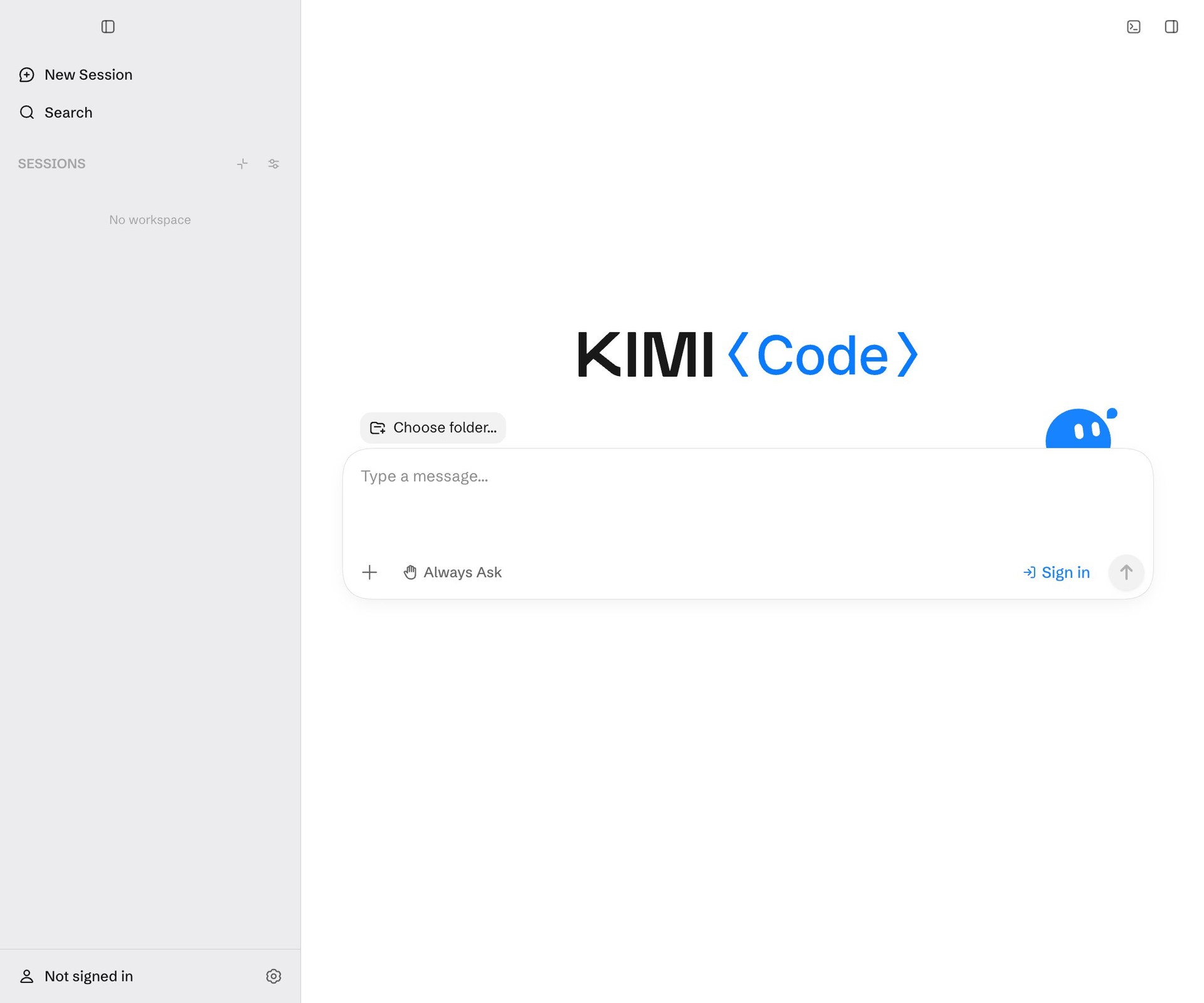
Kimi announced Kimi Code Desktop 1.0 on September 21 as the official desktop client for its coding agent. The release covered Windows and macOS, including Apple Silicon and Intel Macs. For developers who have avoided a command-line agent, a familiar application window lowers the practical barrier to trying an automated coding workflow.
The interface change matters because agent work is difficult to supervise through a stream of messages alone. A useful desktop workflow gives the developer somewhere to inspect the task, follow progress, and return to the files that changed. The release announcement establishes the new client’s availability; it does not establish how reliably any particular repository will behave.
Make the first session deliberately small
A suitable first assignment has a clear finish line: update one help screen, repair a known test failure, or explain where a configuration value is read. Begin from a clean working copy and retain the baseline. That makes it possible to distinguish the agent’s changes from work already in progress.
Before accepting a result, inspect the actual diff and the commands the session executed. A readable summary is useful navigation, but it cannot show every consequence of changing a dependency or deleting a file. Run the project’s relevant checks yourself or inspect their recorded outputs, including any tests that could not run.
Teams should also decide where the application may work. A repository containing deployment credentials, private documents, and production configuration is a poor starting point for an exploratory session. A separate working directory with only the needed project files makes the intended scope easier to understand and easier to enforce.
A desktop client changes collaboration
The most useful handoff from an agent is a compact package: the request, the resulting diff, checks performed, and unresolved questions. A screenshot of a successful conversation cannot replace those artifacts. They let another developer review the work without reconstructing the entire interaction.
For mixed teams, document the workflow in terms of those artifacts rather than screen positions. Some colleagues may prefer a terminal while others use the desktop client. Both should produce reviewable changes with the same acceptance rules.
Kimi’s desktop release broadens the available entry points for coding agents. Its operational value will depend on whether the interface helps people notice questionable actions early and complete reviews efficiently. Easier installation is the beginning of adoption; an inspectable path from request to accepted change is what makes adoption sustainable.
Have a correction or a useful perspective?
Get in touch with the publication.