
Why Many Beginners Prefer Non-Coding Digital Skills
The rise of beginner-friendly online skills
In recent years, online work has become more accessible to beginners than ever before. Many digital tasks no longer require advanced technical knowledge, and a wide range of tools are designed for simple, everyday use. As a result, people can now create content, manage tasks, and communicate online without needing to understand complex systems. This shift has made digital work more approachable for those starting from zero.
This connects directly with the broader concepts explained in Technology and Online Business – A Complete Beginner’s Guide, where the full relationship between digital skills and online opportunities is explored.
Why coding feels difficult for many beginners
For many beginners, coding can feel overwhelming at the start. It often involves learning new languages, understanding technical concepts, and practicing problem-solving in unfamiliar ways. Without prior experience, this process may seem time-consuming and difficult to follow. Because of this, many people look for alternative paths that allow them to begin working online without needing to learn programming immediately.
How non-coding skills open real online opportunities
Non-coding digital skills provide a practical starting point for entering online work. Skills such as writing, communication, organization, and basic digital tool usage allow beginners to contribute to real tasks and projects. These abilities can support freelance work, remote roles, and content-based activities, making it possible to gain experience and build confidence without relying on technical programming knowledge.
What Are Beginner Digital Skills Without Coding?
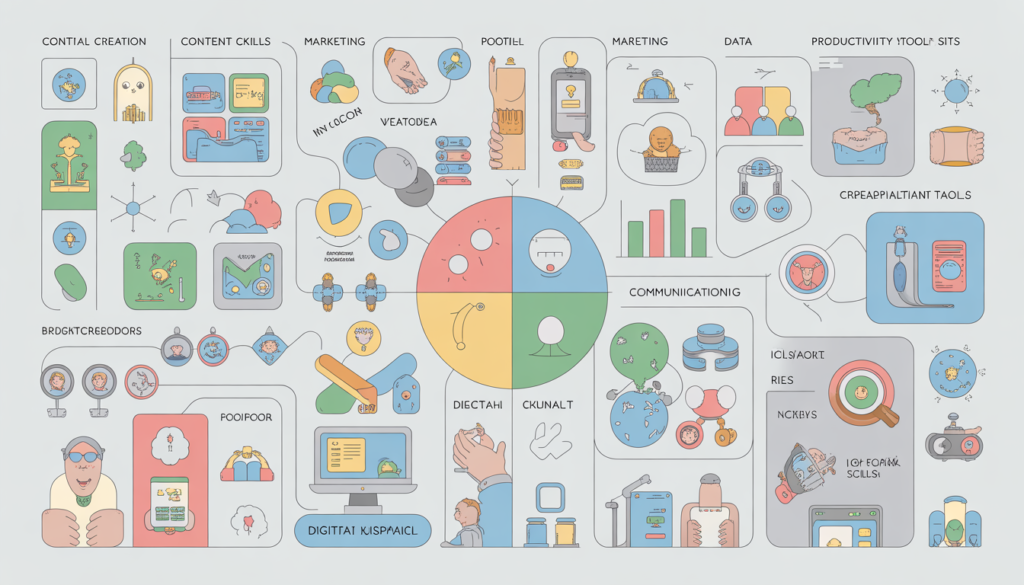
Beginner digital skills without coding are practical abilities that allow individuals to work online using tools and platforms without programming knowledge. These include content creation, digital communication, basic data organization, and using productivity tools. They help beginners participate in online work, manage tasks, and build digital experience step by step.
Understanding Non-Coding Digital Skills in Simple Terms

To understand this better, it helps to first explore what technology really means in simple terms, especially in the context of online work.
What “no coding skills” really means
“No coding skills” refers to digital abilities that do not require writing or understanding programming languages. Instead of building systems from scratch, users rely on ready-made tools and platforms to complete tasks. This includes activities like writing content, managing files, using online tools, or organizing information. The focus is on using technology effectively rather than creating it.
The difference between technical and non-technical digital skills
Technical digital skills usually involve programming, system development, or advanced software knowledge. Non-technical digital skills focus on practical tasks such as communication, content creation, and task management. While technical skills are used to build digital systems, non-technical skills are used to operate within those systems. Both are valuable, but beginners often start with non-technical skills because they are easier to learn.
Why non-coding skills are still valuable in online work
Non-coding skills remain highly valuable because many online tasks depend on communication, organization, and content rather than programming. Businesses need people who can write clearly, manage workflows, and interact with clients using digital tools. These skills support daily operations in online work environments and allow beginners to contribute meaningfully without needing advanced technical knowledge.
How Non-Coding Digital Skills Enable Online Work
Many of these skills are supported by tools explained in beginner-friendly online tools that require no technical skills, which simplify digital work.
Using tools instead of programming
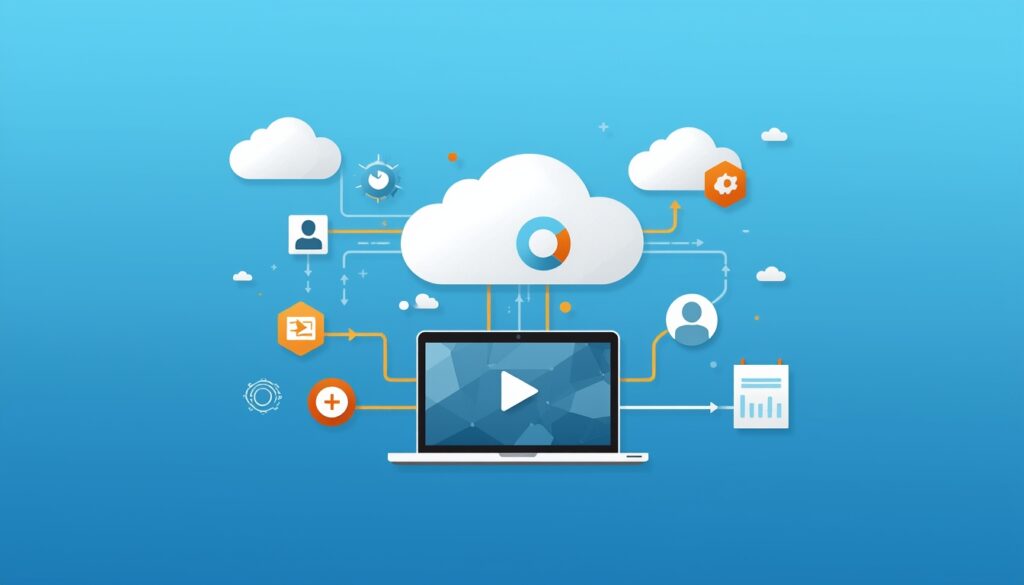
Non-coding digital skills allow individuals to complete tasks by using existing tools instead of building systems from scratch. Many modern platforms are designed with simple interfaces that guide users step by step. This means beginners can write content, manage tasks, or communicate online without needing to understand programming languages. The focus shifts from creating technology to using it effectively.
Creating and managing digital work without code
Online work often involves creating and managing digital content, documents, or tasks. Non-coding skills help individuals organize files, prepare written materials, and track progress using software tools. These activities can be done entirely online, making it possible to handle projects without physical resources. Beginners can learn these processes gradually and improve through regular practice.
Working through platforms and systems
Many online opportunities are built around digital platforms that connect users, services, and tasks. Non-coding skills help individuals navigate these systems, communicate with others, and deliver work efficiently. By understanding how to use platforms correctly, beginners can participate in online work environments, interact with clients, and manage their responsibilities without needing advanced technical knowledge.
Types of Beginner Digital Skills That Do Not Require Coding
For example, content creation today is often supported by tools discussed in AI tools for content creation explained in simple language.
Content creation (writing, blogging, basic media)
Content creation is one of the most accessible digital skills for beginners. It involves writing articles, creating simple visuals, or producing basic media such as short videos or audio. Blogging platforms and content tools make it possible to publish ideas without technical knowledge. This skill helps individuals communicate clearly and share useful information online while gradually improving their creativity and writing ability.
Digital communication and online collaboration
Digital communication skills focus on how people interact through online tools. This includes writing clear messages, participating in virtual meetings, and working with shared documents. Collaboration platforms allow multiple users to contribute to projects in real time. These skills are important for remote work, where teamwork depends on clear communication and organized digital interaction across different locations.
Basic digital marketing and audience engagement
Digital marketing at a beginner level involves understanding how content reaches people online. This includes sharing information through websites, social platforms, or email communication. Audience engagement focuses on presenting ideas clearly and responding to feedback. Beginners can learn how to structure content and maintain consistent communication without needing advanced marketing strategies or technical knowledge.
Data organization and simple analysis
Data organization skills help individuals manage and understand information. This can include arranging files, tracking simple data, or reviewing basic performance results. Simple analysis involves recognizing patterns or trends in information. These skills help beginners make better decisions and improve their work by understanding how their content or tasks perform over time.
Using productivity and workflow tools
Productivity tools help individuals manage tasks, track progress, and stay organized. These tools often include task lists, calendars, and project management systems. Workflow skills involve structuring tasks in a logical order to complete work efficiently. Beginners can use these tools to build better habits, reduce confusion, and handle multiple responsibilities in a clear and organized way.
Real-World Examples of Non-Coding Digital Skills in Action
Beginners creating content online
Many beginners start their online journey by creating simple content such as blog posts, guides, or short educational materials. They use writing tools and publishing platforms that do not require coding. Over time, they learn how to structure content, improve clarity, and communicate ideas effectively. This process helps them build confidence while developing practical digital skills through real experience.
Remote workers using tools instead of coding
Remote workers often rely on digital tools to manage tasks, communicate with teams, and complete projects without writing code. They use project management systems, shared documents, and communication platforms to stay organized and productive. These tools allow them to collaborate with others in different locations and contribute to projects efficiently without needing technical programming knowledge.
Online service providers using simple digital systems
Many online service providers use simple digital systems to offer and deliver their services. They may organize tasks, communicate with clients, and manage workflows using user-friendly platforms. These systems handle most of the technical processes in the background. As a result, individuals can focus on providing value through their skills while relying on digital tools to support their daily work activities.
Benefits and Limitations of Learning Digital Skills Without Coding
These improvements are often supported by systems like productivity tools that help beginners work online efficiently.
Benefits of starting with non-coding skills
Starting with non-coding digital skills makes it easier for beginners to enter the online work environment without feeling overwhelmed. These skills are practical and can be applied immediately using simple tools and platforms. Beginners can focus on communication, content creation, and task organization while gradually building confidence. This approach allows faster learning through real experience and reduces the pressure of understanding complex technical concepts at the beginning.
Limitations beginners should understand
While non-coding skills provide a strong starting point, they also have certain limitations. Some advanced roles or technical tasks may eventually require deeper knowledge or specialized skills. Beginners may also rely heavily on tools without fully understanding how systems work. This can make it harder to adapt when tools change. Recognizing these limitations helps learners stay realistic and encourages continuous improvement over time.
It is also important to maintain realistic expectations, as explained in realistic expectations for beginners starting an online business.
Common Beginner Mistakes When Choosing Non-Coding Skills
Many of these challenges are also explained in common mistakes beginners make when using online tools.
Assuming coding is always required
One common mistake beginners make is believing that coding is necessary for all types of online work. While programming is important in some areas, many roles rely on communication, organization, and content creation. This assumption can discourage beginners from starting. Understanding that many opportunities exist without coding helps people focus on practical skills they can begin learning immediately.
Choosing skills without clear purpose
Another mistake is selecting digital skills without understanding how they will be used. Some beginners follow trends or random advice without connecting skills to real tasks or goals. This can lead to confusion and wasted effort. Choosing skills based on personal interests and practical applications makes learning more meaningful and helps build useful experience over time.
Jumping between too many tools
Beginners often try multiple tools at once without fully learning how to use any of them effectively. Switching between platforms can create confusion and slow progress. Instead, focusing on a few essential tools and using them consistently allows beginners to build familiarity and confidence. Over time, this steady approach leads to stronger and more reliable digital skills.
Practical Guide — How to Start Learning Digital Skills Without Coding

How to choose your first skill
Choosing your first digital skill should be based on simplicity and usefulness, not trends. Start with a skill that solves a clear problem, such as writing, basic design, or communication. It should match your current level and be easy to practice daily. Avoid trying to learn everything at once. A focused starting point helps you build confidence and understand how digital work actually functions.
How to practice using free tools
Many beginner-friendly tools are available for free and are designed to be simple. Use them to practice small tasks regularly, such as writing short content, organizing information, or communicating online. The goal is not perfection but familiarity. Repeating basic actions helps you understand how tools work and how digital tasks are completed in real situations.
How to build consistency and improve gradually
Consistency is more important than speed when learning digital skills. Practicing a little every day builds stronger understanding than occasional long sessions. Over time, you will notice improvement in clarity, speed, and confidence. Small progress adds up. Staying consistent also helps you develop discipline, which is essential for long-term success in online work.
Frequently Asked Questions About Non-Coding Digital Skills
Can I work online without coding skills?
Yes, many online jobs and business opportunities do not require coding. Tasks like writing, customer support, content management, and digital communication rely more on basic digital skills than programming. Coding can be useful in some fields, but it is not a requirement for most beginner-level online work.
What is the easiest digital skill to start with?
The easiest digital skills to start with are usually writing, basic communication, and simple content creation. These skills require minimal tools and can be practiced daily. They also apply to many areas of online work, making them a practical starting point for beginners.
Are non-coding skills enough for online income?
Non-coding skills can support online income when combined with consistency and practical use. Many freelancers and online workers earn by offering services that do not involve coding. However, results depend on effort, learning, and how well the skill is applied in real situations.
How long does it take to learn basic digital skills?
Learning basic digital skills can take a few weeks to a few months, depending on practice and consistency. Simple skills can be learned quickly, but improving them takes time. Regular practice and real use help beginners build confidence and move toward more advanced abilities gradually.
Conclusion — Why Non-Coding Digital Skills Are a Strong Starting Point
Key takeaways for beginners
Non-coding digital skills provide a practical and accessible way to enter online work. They do not require advanced technical knowledge and can be learned step by step. Beginners can start with simple skills, practice consistently, and gradually build confidence while understanding how digital work actually functions.
Why starting simple leads to long-term growth
Starting with simple skills reduces confusion and helps maintain focus. When beginners avoid complexity in the early stages, they are more likely to stay consistent and improve steadily. Over time, these basic skills become a strong foundation that supports learning more advanced tools and concepts.
As discussed in why technology is a tool — not a shortcut, long-term success depends on consistency and learning.
Connection to technology and online business fundamentals
Non-coding skills are closely connected to the broader role of technology in online business. They show how digital tools are used in real situations, from communication to content creation. This connection helps beginners understand how online systems work and how their skills fit into larger digital opportunities.




2 Comments on “Beginner Digital Skills That Can Be Learned Without Coding”