
Why Online Security and Privacy Matter for Beginners
The internet is no longer just a place to browse information. It is where people work, learn, communicate, shop, and build online businesses. For beginners, this constant connection brings opportunity—but it also brings risk. Accounts, personal data, and digital work now live online, and protecting them has become part of everyday life.
Many beginners feel overwhelmed when they hear words like security, privacy, or online threats. These topics are often explained in technical language, which creates fear instead of understanding. As a result, some people ignore online safety completely, while others believe it is something only experts or developers can handle.
In reality, online security and privacy are not advanced technical skills. They are basic protections. Just like locking a door or choosing who to trust, these practices are about awareness and simple habits, not complex systems. When explained clearly, they become practical and manageable.
This reflects the larger principle that technology supports effort but does not replace responsibility.
This guide is designed to remove confusion. It will help beginners understand what online security and privacy really mean, why they matter, and which basic tools and habits make the biggest difference. By the end, online safety will feel less intimidating—and much more achievable.
What Online Security and Privacy Really Mean (In Simple Terms)
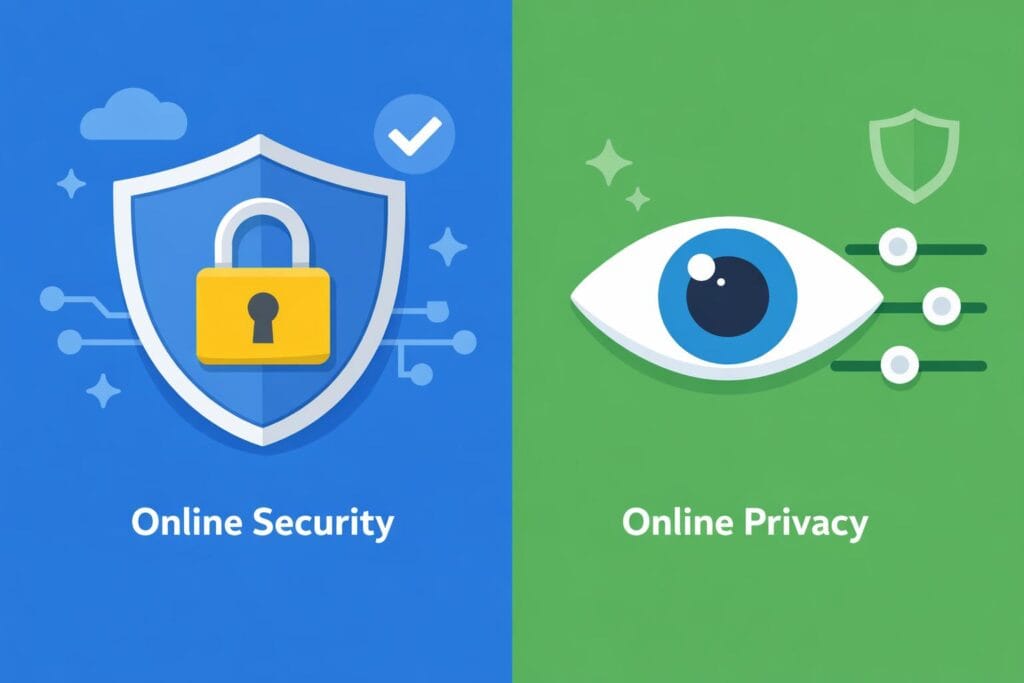
Understanding online safety starts with separating two ideas that are often mixed together. Security and privacy are related, but they are not the same thing. Each plays a different role in protecting your digital life.
What Online Security Means
Online security is about protection. It focuses on keeping your accounts, devices, and digital access safe from people who should not have it. This includes protecting email accounts, social media profiles, cloud files, and work tools.
Security measures help prevent unauthorized logins, hacking attempts, and data loss. Strong passwords, two-step verification, and device protection all fall under security. The goal is simple: only you, or people you trust, should be able to access your digital spaces.
What Online Privacy Means
Online privacy is about control. It focuses on how your personal information is collected, used, shared, or tracked online. This includes your browsing activity, location data, contacts, and personal details.
Privacy tools and settings help you decide what information you give away and who can see it. Unlike security, privacy is less about stopping attackers and more about limiting exposure.
Why Beginners Often Confuse Them
Beginners often mix security and privacy because the language sounds similar, and some tools overlap. For example, browsers, apps, and devices may offer both security and privacy features in one place. Understanding the difference makes it easier to choose the right tools and build safer online habits with confidence.
Common Online Risks Beginners Face
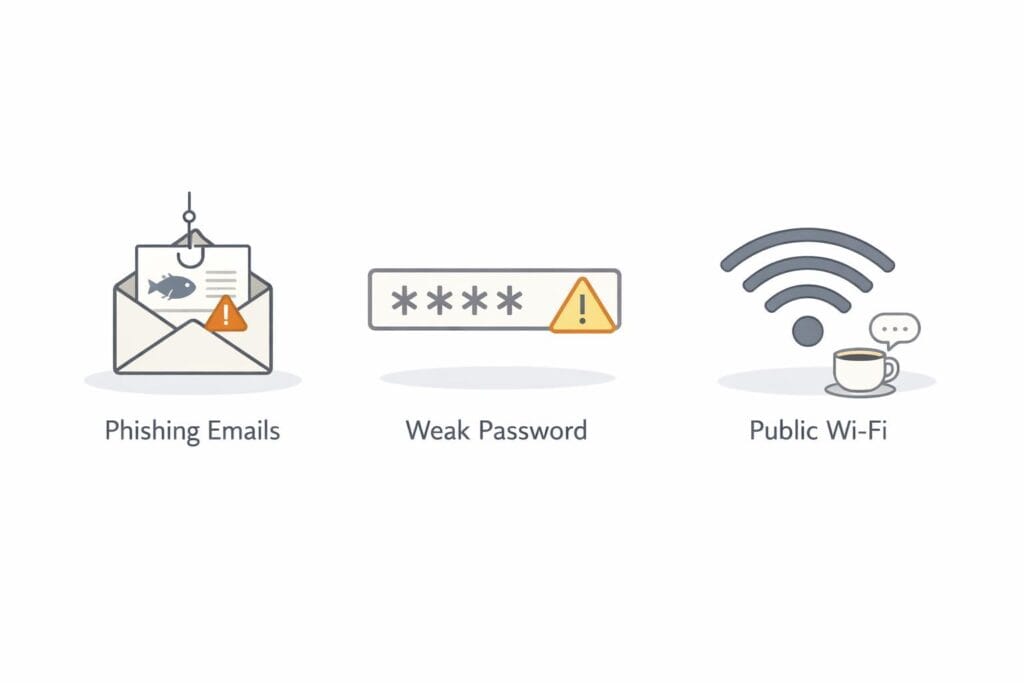
As people start using the internet for work, learning, or online business, they often focus on tools and opportunities. Risks usually come later, often after a problem appears. Most online risks are not advanced attacks. They come from simple habits and lack of awareness.
Account Takeovers
One of the most common risks beginners face is losing control of accounts. This often happens because of weak or reused passwords. Using the same password across email, social media, and work tools creates a chain reaction. If one account is compromised, others can follow.
Poor login habits also increase risk. Staying logged in on shared devices or ignoring security alerts makes it easier for someone else to gain access. Account takeovers rarely feel dramatic at first, but they can quietly cause long-term damage.
Scams and Phishing
Scams are everywhere online. They appear as emails, messages, ads, or fake websites. Many are designed to look urgent or helpful. Beginners are common targets because they may not yet recognize warning signs.
Phishing messages often imitate trusted brands or platforms. They rely on speed and emotion, not technical tricks. Clicking without checking is usually the real risk.
Data Tracking and Privacy Loss
Everyday browsing leaves digital traces. Websites, apps, and networks often track activity to collect data. Using public or unsecured networks increases exposure, especially when personal accounts or sensitive information are involved. Awareness is the first step toward reducing this risk.
Essential Online Security Tools Every Beginner Should Use
Online security does not require advanced knowledge or expensive software. For beginners, a small set of basic tools can reduce most common risks when used consistently. These tools focus on protecting access, devices, and everyday activity rather than fighting rare or complex threats.
Strong Passwords and Password Managers
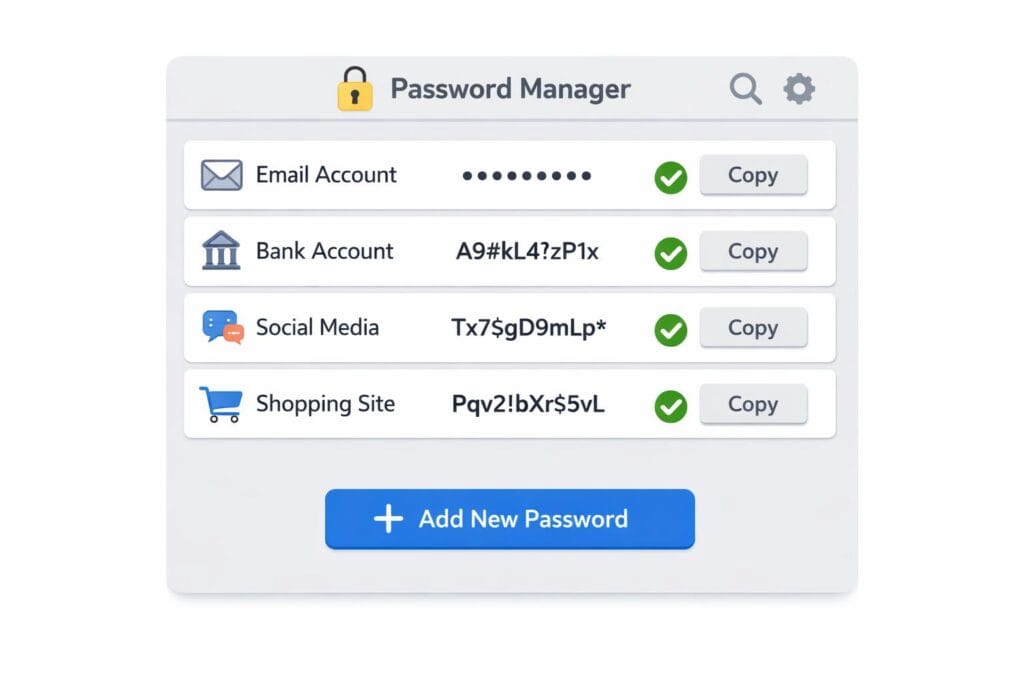
Using one password everywhere is one of the fastest ways to lose control of online accounts. If a single site is compromised, reused passwords make it easy for attackers to access email, social platforms, and work tools.
Strong passwords work best when they are unique and hard to guess. The problem is remembering them. This is where password managers help. A password manager securely stores login details and creates strong passwords automatically. Instead of memorizing dozens of passwords, you only remember one main key.
For beginners, this removes mental effort while improving security at the same time. It also reduces the habit of writing passwords in unsafe places.
Two-Factor Authentication (2FA)
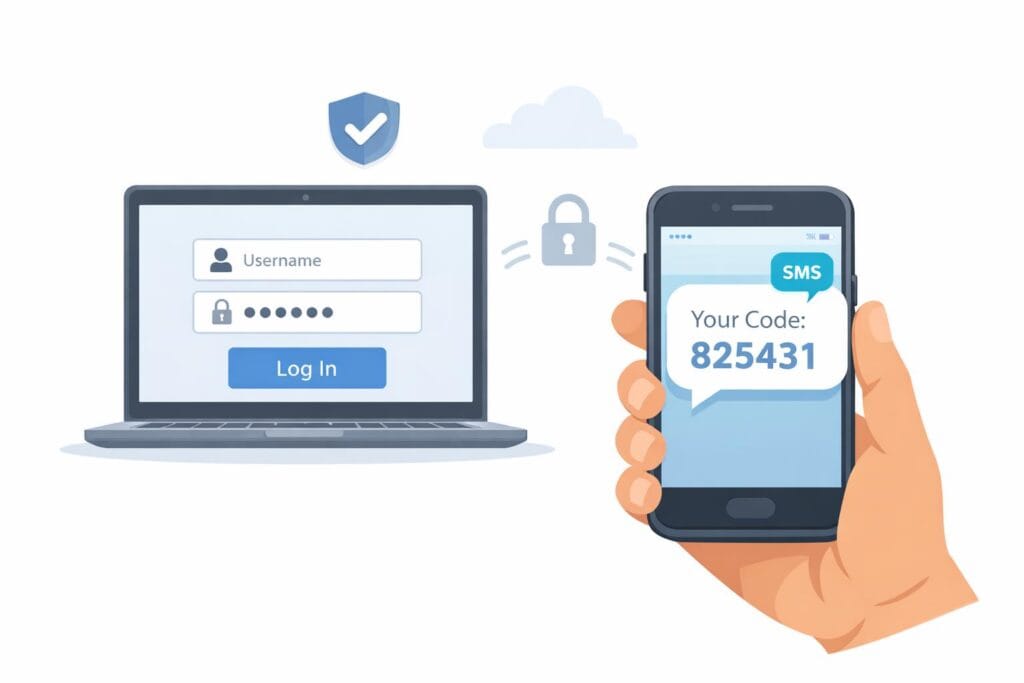
Two-factor authentication adds a second step when logging in. After entering a password, a short code is required. This code is usually sent to a phone or generated by an app.
A simple way to think about 2FA is a door with two locks. Even if someone finds the key to the first lock, they still cannot enter without the second one. This extra step blocks many common account takeovers.
For beginners, 2FA may feel inconvenient at first. In practice, it quickly becomes routine and adds strong protection with minimal effort.
Device Security Basics
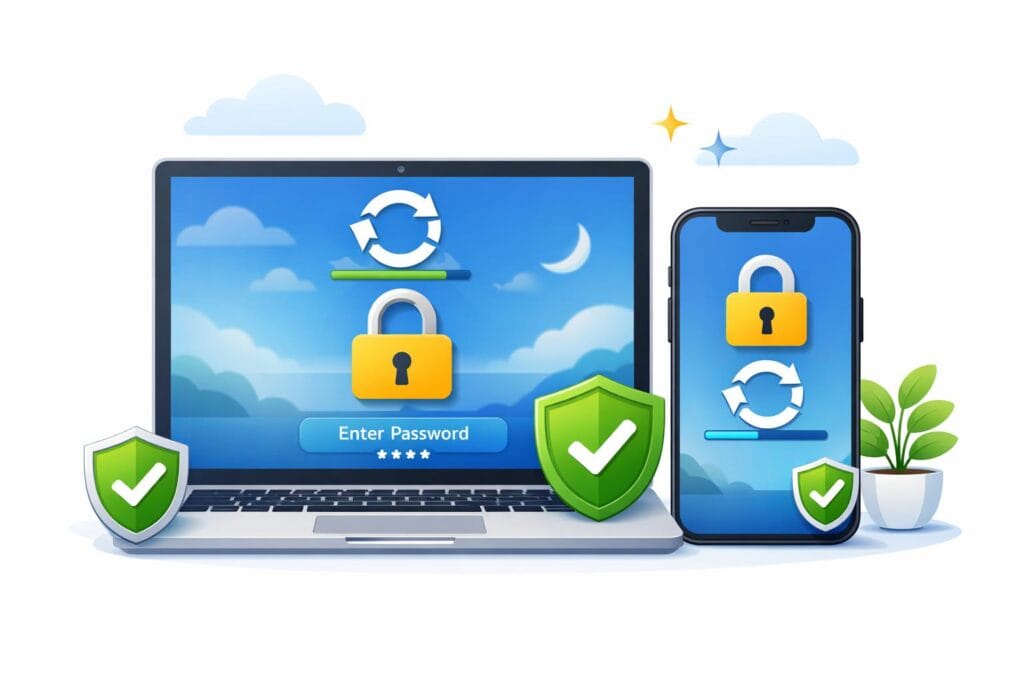
Devices are part of online security. Keeping software updated matters because updates fix known weaknesses. Ignoring updates leaves doors open that attackers already know about.
Screen locks are another basic layer. A locked phone or computer protects accounts if a device is lost or shared. Basic antivirus protection also helps by blocking known threats before they cause damage.
These steps are not complicated. They work quietly in the background and create a safer foundation for everyday online activity.
Essential Privacy Tools Beginners Should Know
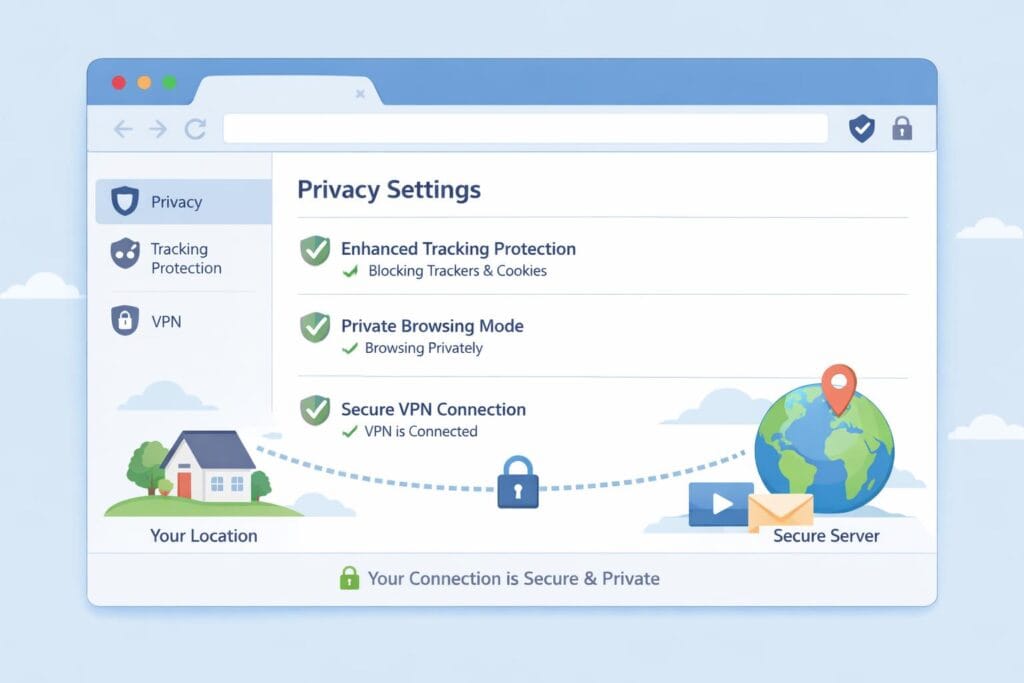
Online privacy is about reducing unnecessary exposure, not hiding from the internet. Beginners often think privacy tools are only for advanced users, but most protections are built into everyday tools. When used correctly, they quietly limit tracking, reduce data sharing, and help users stay in control without changing how they work online.
Secure Browsers and Privacy Settings
Web browsers play a major role in online privacy. Every search, click, and visit passes through them. Some browsers collect more data by default, while others focus on limiting tracking.
For beginners, the goal is not perfection. It is awareness. Modern browsers include privacy settings that control cookies, location access, and tracking permissions. Adjusting these settings reduces how much browsing behavior is recorded and shared with third parties.
Simple actions matter. Blocking unnecessary pop-ups, limiting third-party cookies, and reviewing site permissions can significantly improve privacy without slowing down normal use. These changes take minutes and work silently in the background.
VPNs Explained Calmly
Virtual Private Networks, often called VPNs, are widely misunderstood. A VPN does not make someone invisible online. It creates a private connection between a device and the internet by masking the original network location.
VPNs are useful in specific situations. Public Wi-Fi, shared networks, or unsecured connections are common examples. In these cases, a VPN helps protect browsing data from being observed by others on the same network.
However, VPNs are not always necessary. At home, on trusted networks, or during normal browsing, they add limited benefit. Beginners should view VPNs as optional tools, not mandatory privacy solutions.
Email and Communication Privacy
Email is one of the most common sources of privacy problems. Spam, tracking links, and fake messages are everyday risks. Basic habits make a large difference.
Using spam filters, avoiding unknown attachments, and not clicking unexpected links reduce exposure. Separating personal and work emails also limits how much data is shared across platforms.
Privacy grows through habits, not complexity. Simple tools and careful choices create long-term protection without adding stress or technical difficulty.
Privacy Tools vs Security Tools – Key Differences
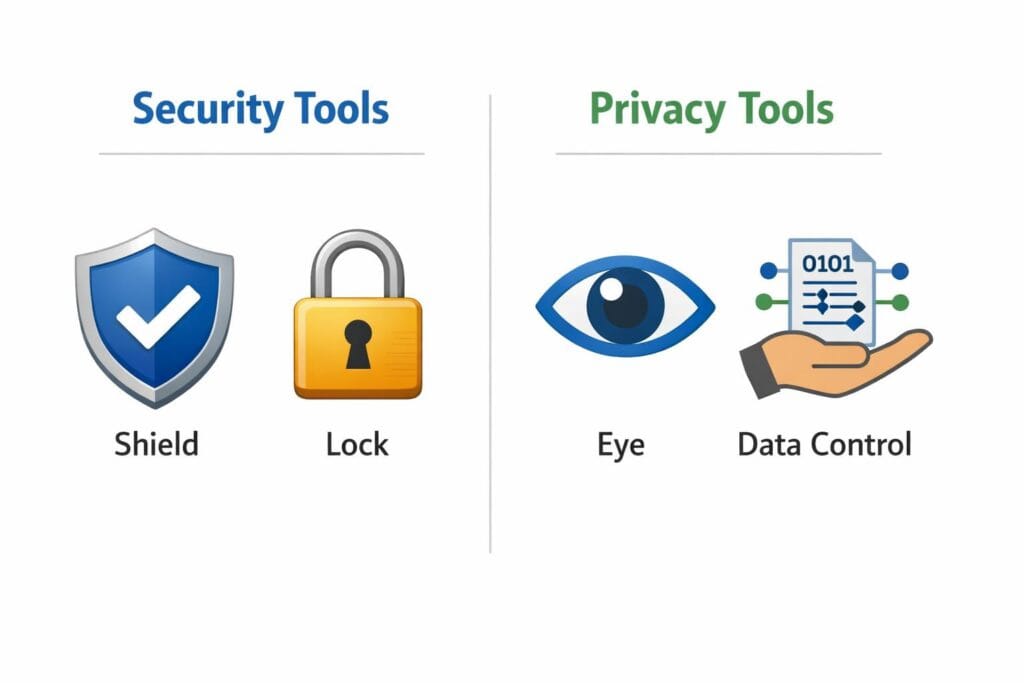
Beginners often mix up privacy tools and security tools because both aim to keep users safe online. While they are closely related, they solve different problems. Understanding the difference helps beginners choose the right tools without confusion or unnecessary fear.
What Each Type Protects
Security tools focus on protection. Their main job is to stop unauthorized access, prevent attacks, and reduce the risk of data loss. Examples include strong passwords, two-factor authentication, device locks, and antivirus software. These tools act like locks, alarms, and guards. They block threats before damage happens.
Privacy tools focus on control. They help users decide what information is shared, tracked, or stored online. Secure browsers, privacy settings, tracker blockers, and VPNs fall into this category. Instead of stopping attackers, privacy tools limit exposure and reduce how much personal data circulates across the internet.
In simple terms, security defends your digital space. Privacy manages what leaves it.
Why Beginners Need Both
One does not replace the other. Strong security without privacy still allows excessive tracking. Strong privacy without security leaves accounts vulnerable.
Together, they work naturally. Security keeps accounts and devices safe. Privacy keeps personal data under control. When both are in place, beginners gain confidence, clarity, and long-term protection without technical complexity.
How to Choose the Right Tools as a Beginner
For beginners, the biggest mistake is not choosing the wrong security or privacy tools—it is choosing too many of them too early. The right tools should reduce stress, not add complexity. A small, clear setup is more effective than an advanced system that feels confusing.
Simplicity Over Complexity
Simple tools reduce mistakes. When a tool is easy to understand, it is more likely to be used correctly and consistently. Beginners do not need dashboards full of settings or advanced controls they don’t recognize. Strong basics—such as a password manager, two-factor authentication, and device updates—cover most real risks.
Advanced features can wait. Early on, understanding how and why a tool works matters more than squeezing every option out of it. Security improves through good habits, not technical depth.
Free vs Paid Tools
Free tools are often enough at the beginning. Many browsers, password managers, and security features already included on devices provide solid protection when used properly. For personal use, learning, and early online work, these options are usually sufficient.
Paid tools become useful later. They make sense when responsibilities grow, accounts multiply, or privacy needs become more specific. At that stage, convenience and time savings matter more than cost.
Avoiding Tool Overload
Too many tools create confusion. Each new app adds decisions, updates, and alerts. This increases the chance of mistakes.
Focus on essentials only. A few well-chosen tools, used consistently, provide stronger protection than a crowded setup that feels overwhelming.
H2: Safe Online Habits Matter More Than Tools
Security tools are helpful, but they are not the first line of defense. The strongest protection comes from everyday habits. Most online problems do not happen because tools failed—they happen because someone clicked too fast, trusted too easily, or ignored small warning signs. For beginners, building awareness is far more important than collecting software.
Awareness Beats Software
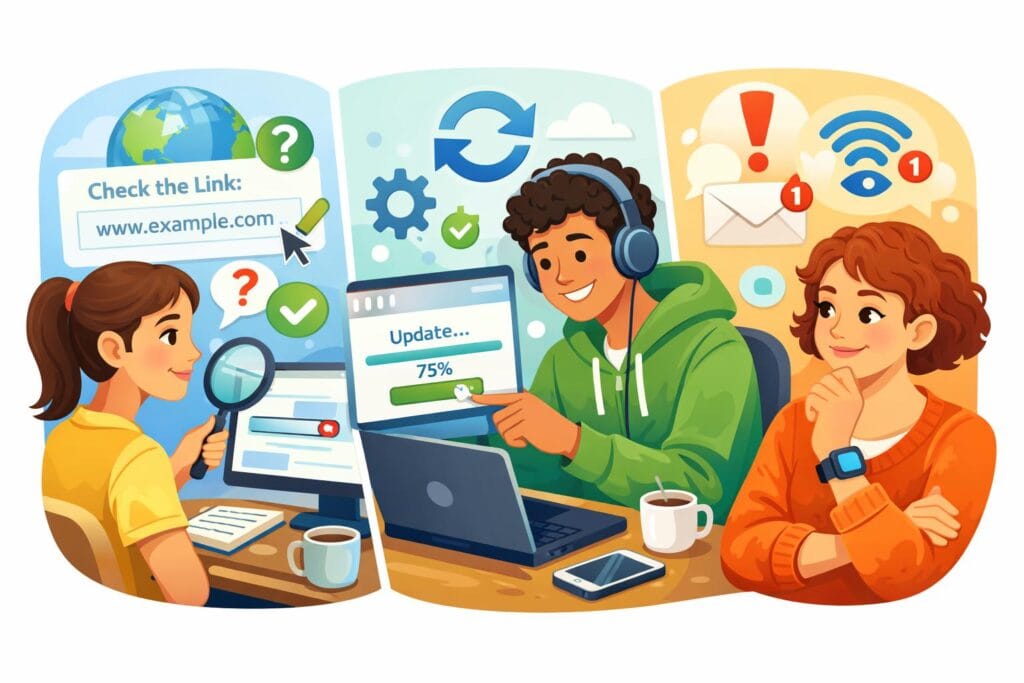
Thinking before clicking is a powerful skill. Many attacks rely on urgency or emotion, such as messages that demand immediate action or promise quick rewards. Pausing for a moment is often enough to avoid trouble. Checking the sender, reading links carefully, and questioning unexpected requests reduces risk more than any app can.
Recognizing suspicious behavior matters. Strange login alerts, unusual emails, or messages that feel “off” are signals worth respecting. You do not need technical knowledge to stay safe—just the habit of asking, “Does this make sense?”
Consistency and Updates
Security is not a one-time task. It is an ongoing practice. Tools only protect you when they are kept up to date and used regularly. Ignoring updates or reusing weak passwords slowly creates gaps that attackers look for.
Small habits create long-term safety. Locking devices, logging out on shared computers, updating apps, and reviewing account activity take little effort. Over time, these simple actions build strong protection. Consistency, not complexity, is what keeps beginners safe online.
How Online Security Supports Online Business and Work
Online security is not just a technical concern. It plays a direct role in how people trust, work with, and rely on you online. For beginners building skills, services, or content, security quietly supports everything in the background. When it is handled well, it is rarely noticed. When it is ignored, the damage can be long-lasting.
It connects closely with the essential tools used in remote and online work environments.
Trust and Credibility
Clients, platforms, and partners expect basic security. Secure logins, protected email accounts, and safe communication are now standard, not optional. When accounts are compromised, trust is often lost before explanations are heard.
These protections support the broader structure of how a website functions and remains accessible to visitors.
Account safety builds confidence. People are more willing to subscribe, communicate, or pay when they feel their data is handled responsibly. Even simple habits—strong passwords and two-step verification—signal professionalism. Trust grows when problems do not happen.
Protecting Digital Assets
Online work creates digital assets over time. These include content, email lists, customer conversations, and platform accounts. Losing access to them can mean starting over from zero.
This is why understanding how hosting and domains connect to your website ownership is important.
Security protects what takes the longest to build. A hacked email or locked account can interrupt income, damage reputation, or cut off clients. Prevention is far easier than recovery. Simple protection today avoids months of rebuilding later.
Common Myths About Online Security and Privacy
Many beginners delay basic protection because of common misunderstandings. These myths feel logical at first, but they often create unnecessary risk. Clearing them up early helps people make calm, practical decisions instead of reacting after something goes wrong.
“I’m Too Small to Be Targeted”
Online threats do not look for popularity or income level. They look for easy access. Automated attacks scan thousands of accounts every day, searching for weak passwords or careless settings. A new account with no protection can be just as attractive as a large one. Size does not matter. Exposure does.
“Security Is Only for Experts”
This belief comes from old ideas about complicated systems. Today’s tools are designed for everyday users. Password managers, two-step verification, and built-in device protection work quietly in the background. You do not need technical knowledge to use them. You only need to turn them on and keep them updated.
“One Tool Solves Everything”
No single tool covers every risk. Security works best in layers. Strong passwords protect logins. Two-factor verification adds a second check. Updates fix known weaknesses. Together, these small steps create real protection. Relying on one tool alone often gives a false sense of safety.
Understanding these myths helps beginners focus on habits, not fear. Simple actions, used consistently, offer more protection than complex setups used once and forgotten.
Frequently Asked Questions (FAQ)
Do beginners really need security tools?
Yes, even at the beginning. Basic security tools protect accounts from common risks like password leaks, phishing attempts, and unauthorized access. Beginners are often targeted because their setups are simple. Using a few essential tools early prevents problems that are much harder to fix later.
Are free security tools safe to use?
Many free tools are safe and reliable when they come from trusted providers. Built-in device security, browser protections, and free password managers can offer strong protection. The key is choosing reputable tools and keeping them updated. Free does not mean weak, but it does require awareness.
Is a VPN always necessary?
No. A VPN is helpful in specific situations, such as using public Wi-Fi or protecting browsing activity on unsecured networks. For everyday home use, good passwords, updates, and cautious behavior matter more. A VPN is a support tool, not a requirement for everyone.
Can mobile phones be hacked easily?
Phones are not easily hacked by accident, but poor habits increase risk. Installing unknown apps, ignoring updates, or clicking suspicious links can expose devices. With screen locks, updates, and app store downloads only, phones are generally very safe.
How much security is enough for beginners?
Enough security means covering the basics consistently. Strong unique passwords, two-factor authentication, device updates, and cautious clicking are usually sufficient. More advanced tools can come later. For beginners, simple protection used daily is better than complex systems rarely maintained.
Conclusion – Online Safety Starts With Understanding, Not Fear
Online security and privacy are often presented as complex or intimidating. In reality, they are much simpler than they appear. Most risks come from confusion, not from a lack of advanced tools. Once the basics are understood, staying safe online becomes a normal part of daily digital life.
Security and privacy tools are helpers. They are not obstacles, and they are not meant only for experts. Password managers, updates, and basic privacy settings exist to reduce mistakes, not to add stress. When beginners see these tools as support systems, they become easier to use and easier to trust.
Understanding matters more than technology itself. Knowing why a habit is important leads to better decisions than installing many tools without clarity. Simple actions, repeated consistently, create stronger protection than complex systems used once and forgotten.
Beginners should start calmly and build gradually. There is no need to secure everything at once. As experience grows, protection can grow with it. When online safety is clear and manageable, online work and business feel more confident, more stable, and far easier to sustain long term.
our complete beginner framework on how technology supports sustainable online business systems

3 Comments on “Basic Online Security and Privacy Tools Every Beginner Should Know”