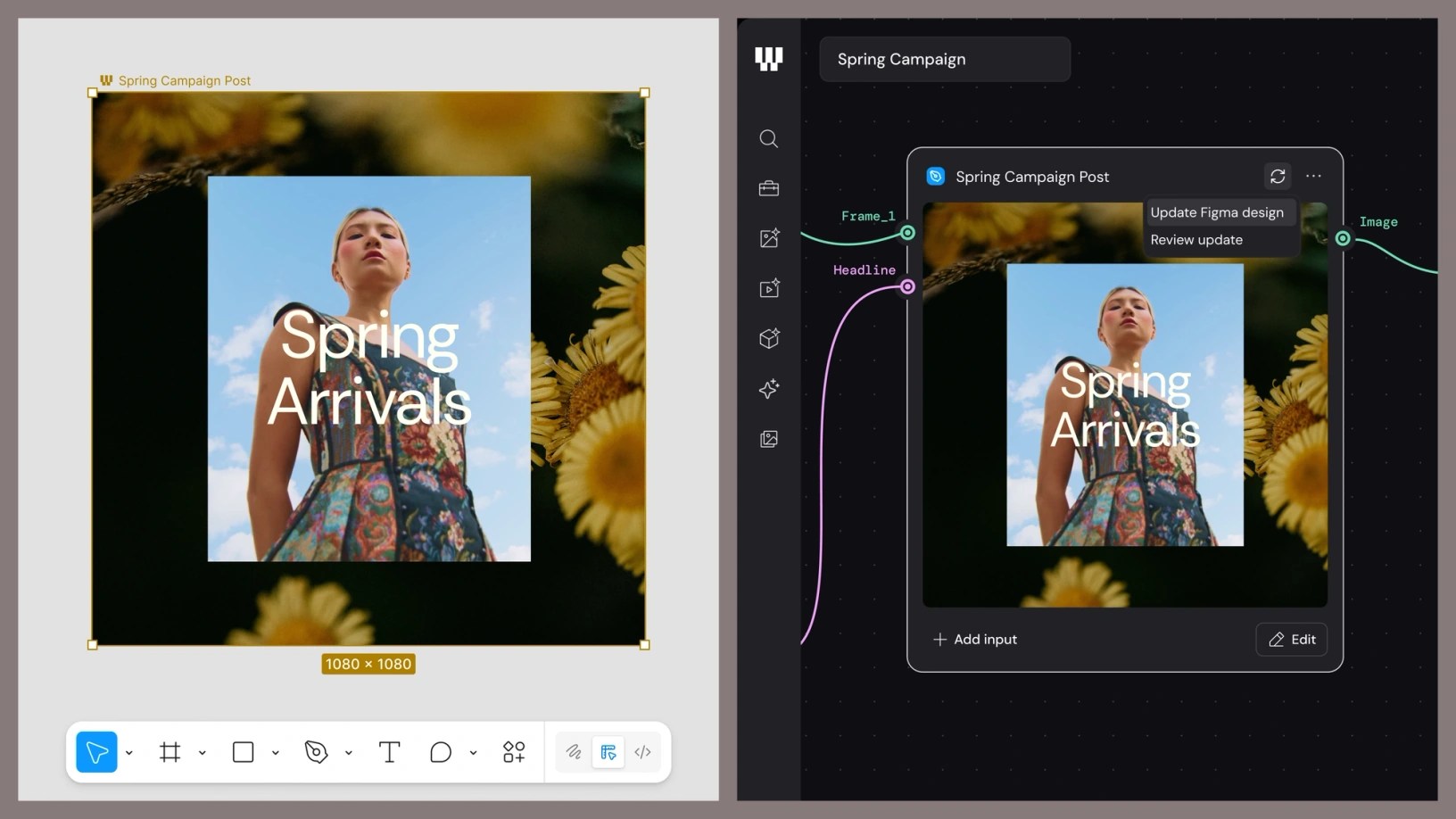
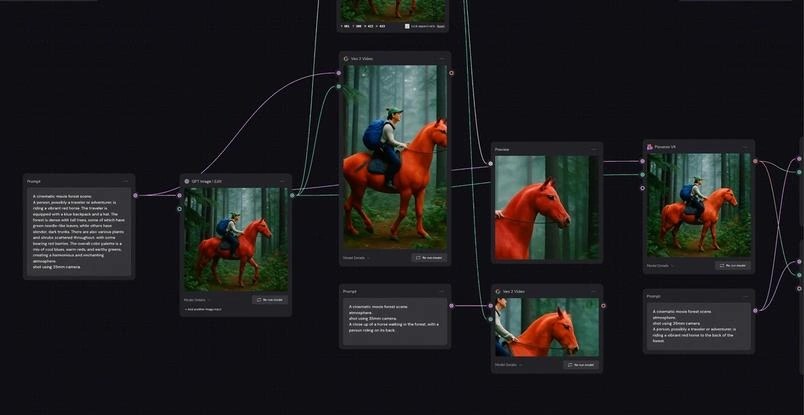
Figma described Weave as a way to connect AI generation and editing into reusable workflows. Its canvas represents inputs, prompts, generation, and editing operations as linked nodes, allowing a team to revisit an earlier step or explore several branches from the same starting material.
The workflow can include familiar operations such as cropping, compositing, color adjustment, and video trimming. A completed process can also be packaged as a tool that someone else runs without managing every underlying node. The emphasis is on making creative production repeatable while retaining room to revise the result.
Begin with a recurring production need
A reusable workflow is most valuable when the input changes but much of the process remains stable. A campaign that needs several aspect ratios or a product collection that needs consistent presentation provides a clearer starting point than an entirely open creative brief.
Write down which properties must remain fixed across variants. These might include the product's shape, a logo treatment, a background palette, or the position of mandatory text. Then identify the parts that are allowed to vary. This prevents a technically reusable process from producing inconsistent assets at scale.
Branching is useful when it supports a real decision. Compare a small number of distinct directions against the same brief, choose one, and preserve why it was selected. Generating many near-identical options can increase review effort without expanding the team's creative choices.
Treat the workflow as a maintained asset
A process can drift when a model changes, a source image is replaced, or a prompt is edited. Keep a known input and an accepted output as a reference. Running that example after a change makes regressions easier to spot than relying on memory.
Packaging the process for other people also requires a clear interface. A colleague should know which inputs are required, what they can change, and what still needs review. Hiding every decision behind one button may make the tool easier to run but harder to use well.
Final checks belong at the destination. A composition that works on a desktop canvas may fail when cropped for a narrow mobile placement. Review exported dimensions, legibility, and essential details in the formats that will actually be published.
Weave's approach can turn a successful creative experiment into a repeatable team practice. The benefit comes from preserving useful decisions and making revisions cheaper, while leaving enough visibility for someone to understand how an asset was made and whether it is ready to use.
Have a correction or a useful perspective?
Get in touch with the publication.